
Hello,
We are delighted to welcome you to a range of Professional Development Courses created, provided and hosted by The Institute of Supply Chain Management (IoSCM).
Detailed below is a step-by-step guide on how to enrol onto the Learning Zone and access the courses available to you.
Once you have registered you will be directed to the Learning Zone.
As you progress through the courses, you will need to select the box titled ‘MARK COMPLETE’ before moving onto the next section.
Kind Regards
The IoSCM Team

STEP 1
Click on the following link to begin enrolling on your course:
STEP 2
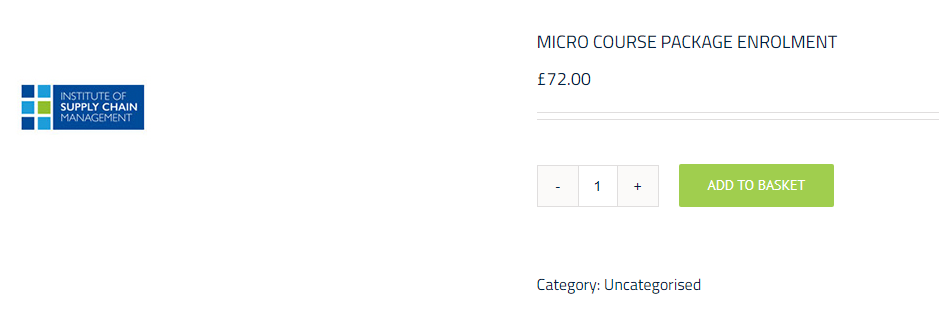
Click on “Add to Basket”
STEP 3
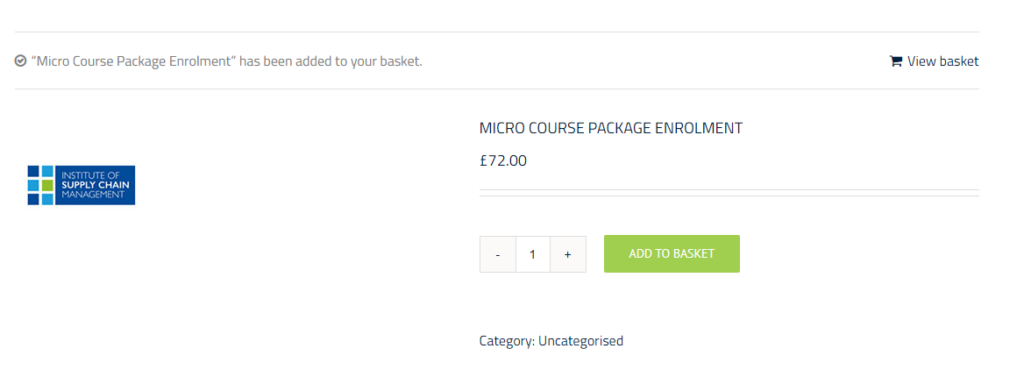
Click on “View basket”
STEP 4
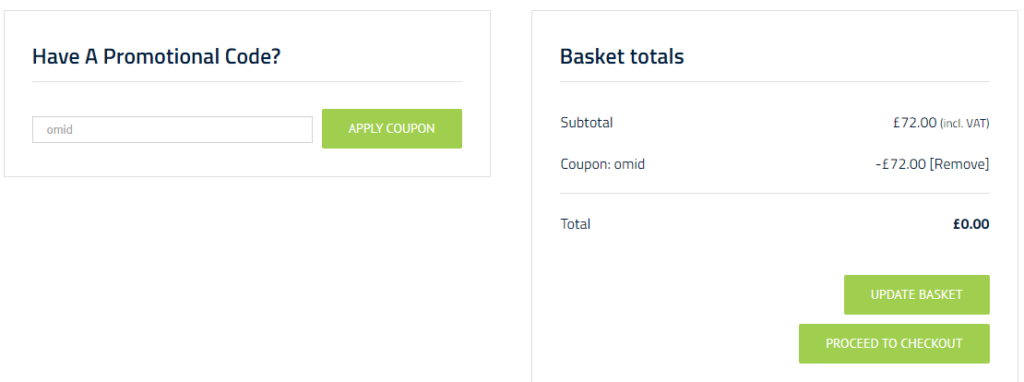
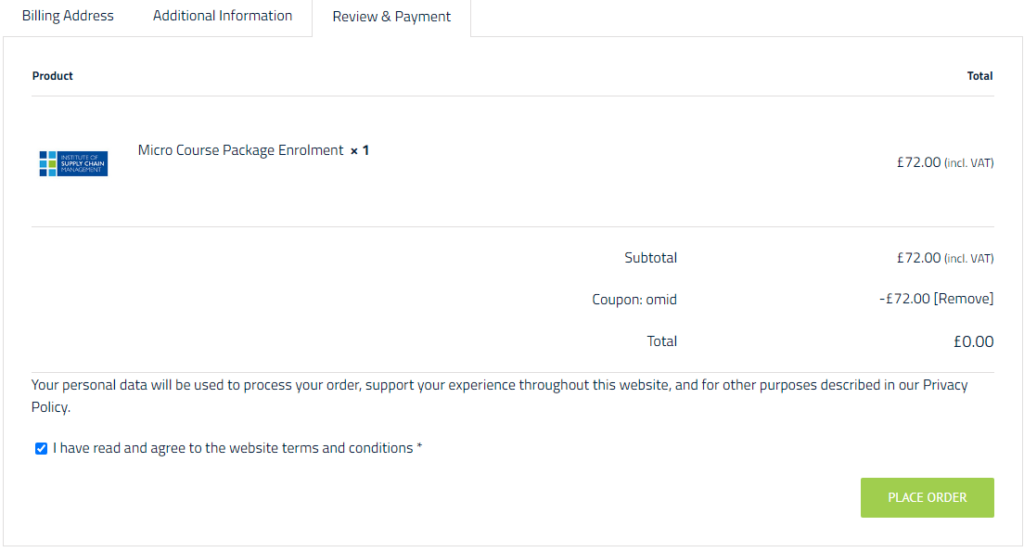
Scroll down to “Have a Promotional Code?” and enter “omid” as the promotional code. This will make the value of the basket £0.00. When you have achieved this, click on “Proceed to Checkout”.
STEP 5
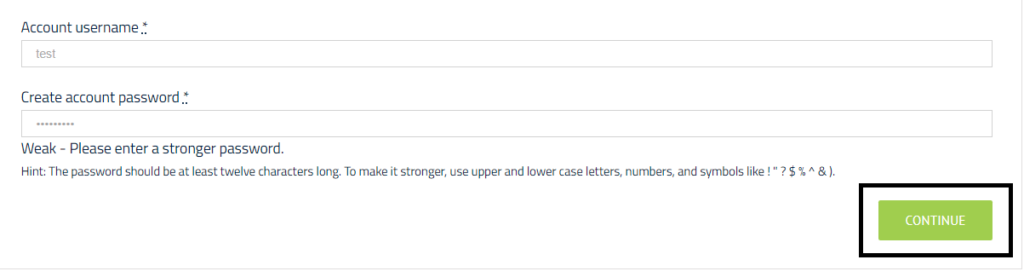
Fill in the billing details, and then at the bottom set your account username and password. Please make a note of this for future reference. Click continue after you have done this.
STEP 6
Click continue until you reach the Review & Payment tab. Your final screen should look something like the below. Click on “Place Order” to successfully complete the purchase of course.
STEP 7
Upon enrolment, please click on the “Courses” link in the navigation bar to access your course.

This has been authorised for your individual use only. You are not permitted to share this information with others.